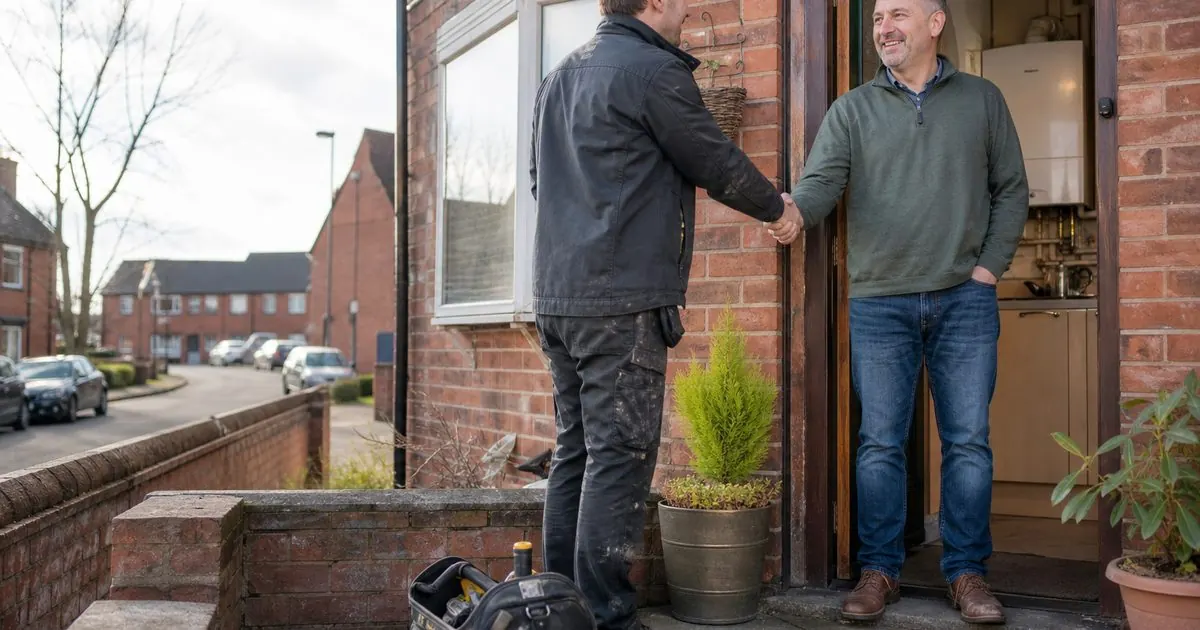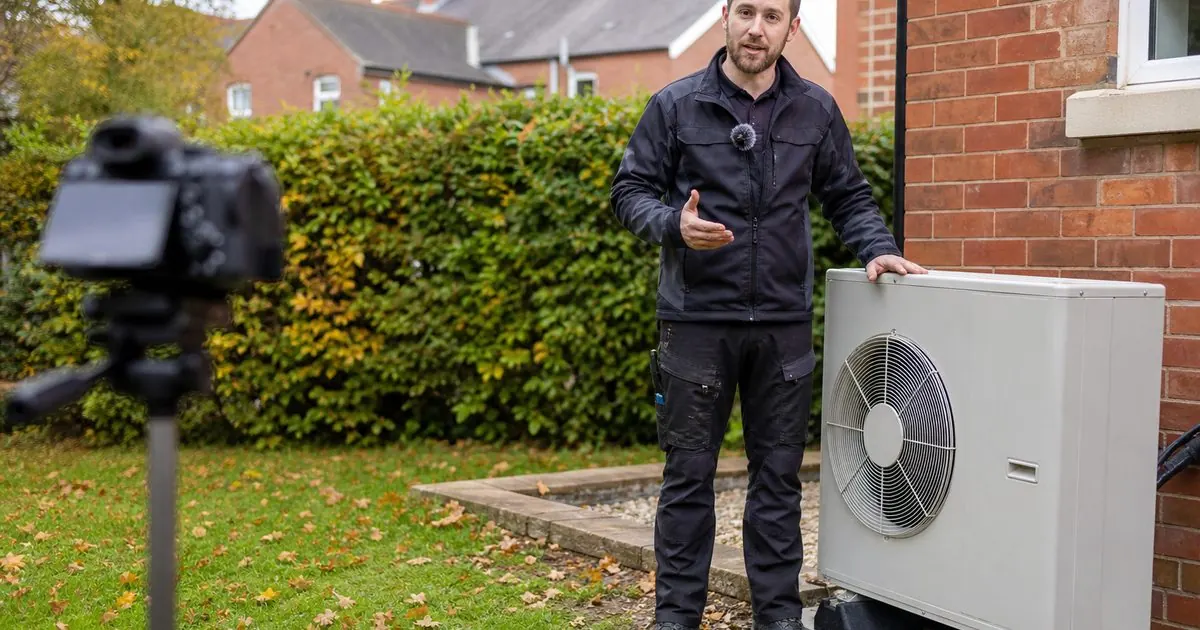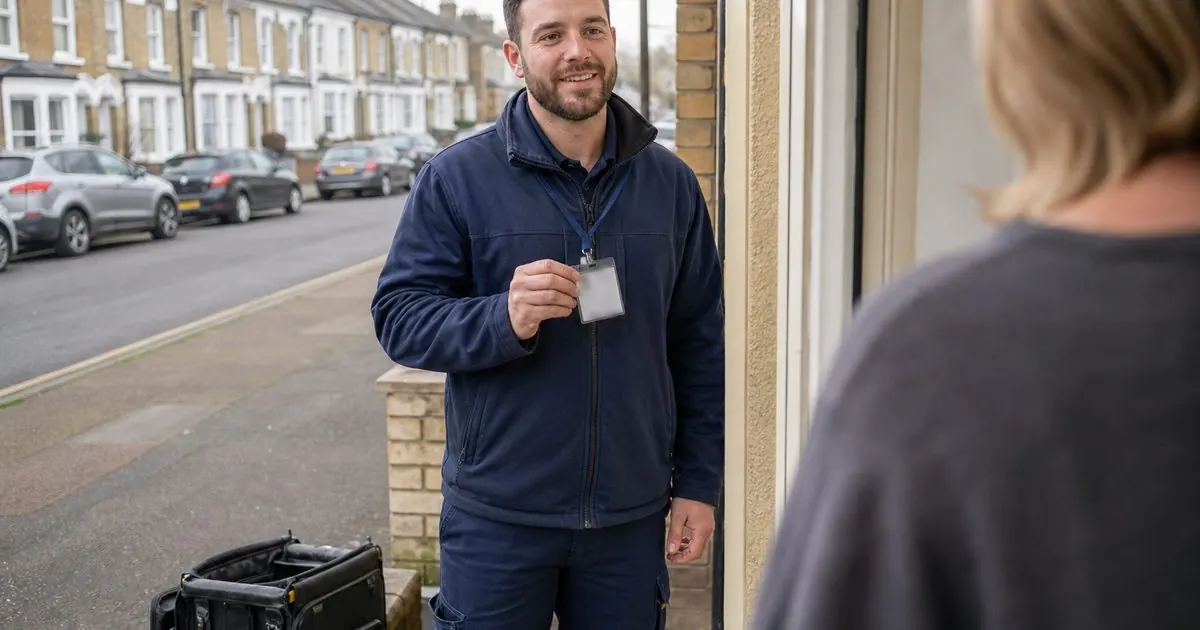
Homeowners arrive on an installer website already a little suspicious. They have heard stories about cowboy builders, pushy salespeople and firms that disappear when something goes wrong. Your website has a few seconds to say "we are the real thing".
Most installer sites have the right credentials. They just bury them: a row of small logos in the footer, under the cookie banner, that nobody scrolls to. This guide covers which trust signals matter for which trade, where to put them, and how to make them believable.
For roofers, who face the hardest trust problem of any trade, we have a dedicated guide: how to prove you are not a cowboy online.
Start with the ones that are legally or financially required
Some accreditations are not marketing extras. They decide whether the customer can legally have the work done, or get a grant, or get finance. Lead with these, because they answer a question the buyer is already asking.
| Trade | Credential | Why the buyer cares |
|---|---|---|
| Gas boilers and heating | Gas Safe Register | By law, anyone working on gas appliances must be Gas Safe registered |
| Heat pumps, solar, batteries | MCS certification | Needed for the Boiler Upgrade Scheme and for Smart Export Guarantee payments |
| Heat pumps, solar, batteries | Consumer code (RECC or HIES) | MCS installers must belong to an approved consumer code, which gives the buyer protection |
| Electrical work, EV chargers | Competent person scheme (for example NICEIC or NAPIT) | Lets you self-certify notifiable work under building regulations |
| Windows and doors | Competent person scheme (for example FENSA or Certass) | Replacement windows must meet building regulations; this lets you certify them |
| Many home improvement trades | TrustMark | The government endorsed quality scheme for work in and around the home |
As of November 2026, the government's Warm Homes loans also require an MCS installer for eligible measures, which makes MCS an even stronger selling point for renewables firms. Check the current rules on GOV.UK before you mention any scheme.
Make every credential checkable
A logo is easy to copy. A number with a link is not. For each accreditation:
- Show your registration number next to the logo.
- Link to the scheme's public search page so the buyer can check you in one tap. Gas Safe, MCS, TrustMark and the competent person schemes all have public registers.
- For Gas Safe, mention the ID card. The register encourages customers to ask to see the engineer's card. Saying "every engineer carries a Gas Safe ID card, ask to see it" turns a rule into a reassurance.
This matters more than it looks. The buyer who checks once and finds you is reassured. The buyer who does not check still notices that you made it easy, and that is a trust signal in itself.
Where to place trust signals
The first screen of every important page
Above the fold, on your homepage and every service page, a visitor should see without scrolling:
- Your Google rating and number of reviews.
- The one or two credentials that matter most for that service (Gas Safe on the boiler page, MCS on the heat pump page).
- A real photo of your team or your vans, not stock imagery.
Next to the form
The moment someone is about to hand over their phone number is the moment doubt peaks. Put a short reassurance right by the submit button: "No pushy sales. We'll call to arrange a free survey. Gas Safe registered, 4.8 on Google." (Use your real numbers.)
In the quote and the follow-up
Trust signals are not just for the website. Put your accreditations, warranty and a couple of reviews on the quote itself, and in the follow-up messages. The buyer comparing three quotes will often choose the one that feels safest.
Signals beyond accreditations
Real reviews, recent and detailed
A rating badge linked to your Google profile beats a page of hand-picked quotes. Show recent reviews that mention the job and the town. If your reviews are mostly "great job", see reviews that rank for how to get better ones.
Named, photographed people
"Our team" with stock photos is worse than nothing. Real names, real faces, a line about each person's experience. Buyers want to know who will be in their home. A short video of the founder or lead installer is even better, which we cover in meet-the-team videos.
Guarantees and warranties, stated plainly
What happens if something goes wrong? State the manufacturer warranty, your workmanship warranty, and any insurance-backed guarantee, in plain words. Say how to contact you after the install.
A real business
A registered company number, a VAT number, a physical base (even if customers do not visit it), years trading, and a landline or mobile that a person answers. These small details separate you from the fly-by-night firms buyers fear.
Real project photos
Before and after photos from your own jobs, ideally with the town. One real photo of a tidy finished install beats ten glossy manufacturer images.
What to leave out
- Logos of schemes you are not in. Using a mark you are not entitled to can get you removed from a scheme and is misleading advertising.
- Badges that mean nothing. "Top rated" seals from sites nobody has heard of add clutter and can look desperate.
- Old awards with no date. If an award is years old, either date it honestly or drop it.
- Fake urgency. "Only 2 slots left this month!" banners undermine every other trust signal on the page.
- Testimonials you cannot back up. Advertising rules require you to hold evidence that testimonials are genuine.
A quick audit you can do today
Open your site on your phone and check:
- Can I see a rating, a key accreditation and a real photo without scrolling?
- Does every accreditation have a number and a link to check it?
- Is there a reassurance line next to the form?
- Can I find the warranty in under ten seconds?
- Are the team photos real?
Each "no" is a quick fix that will make your existing traffic more likely to enquire. If your site is getting visitors but not enquiries, trust is only one of the causes, so read why trade websites don't convert too.
Getting this right is built into every website we design. If you would like us to look at yours, book a video call and we will go through it together.
Sources
- Gas Safe Register
- MCS: Microgeneration Certification Scheme
- TrustMark
- GOV.UK: Apply for the Boiler Upgrade Scheme
- Ofgem: Smart Export Guarantee
- ASA: Testimonials and endorsements
Questions owners ask
Can I show an accreditation logo if I am still applying?
No. Only show a scheme's logo once you are certified or registered, and follow the scheme's own rules on how its mark can be used. Showing a logo you are not entitled to is misleading and can get you removed from the scheme. Say 'applying' in text if it genuinely helps.
Do homeowners actually check accreditations?
Many do, especially for gas work and anything linked to a grant or loan. Even those who do not check are reassured when they can see a registration number and a link to verify it. Making it checkable signals that you have nothing to hide.