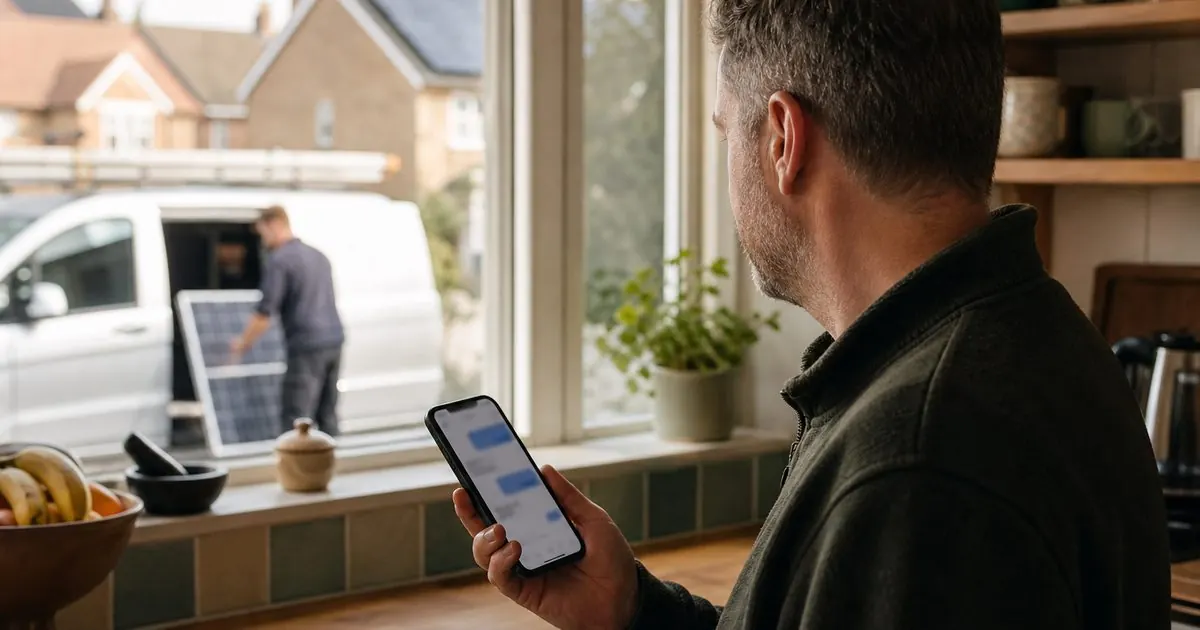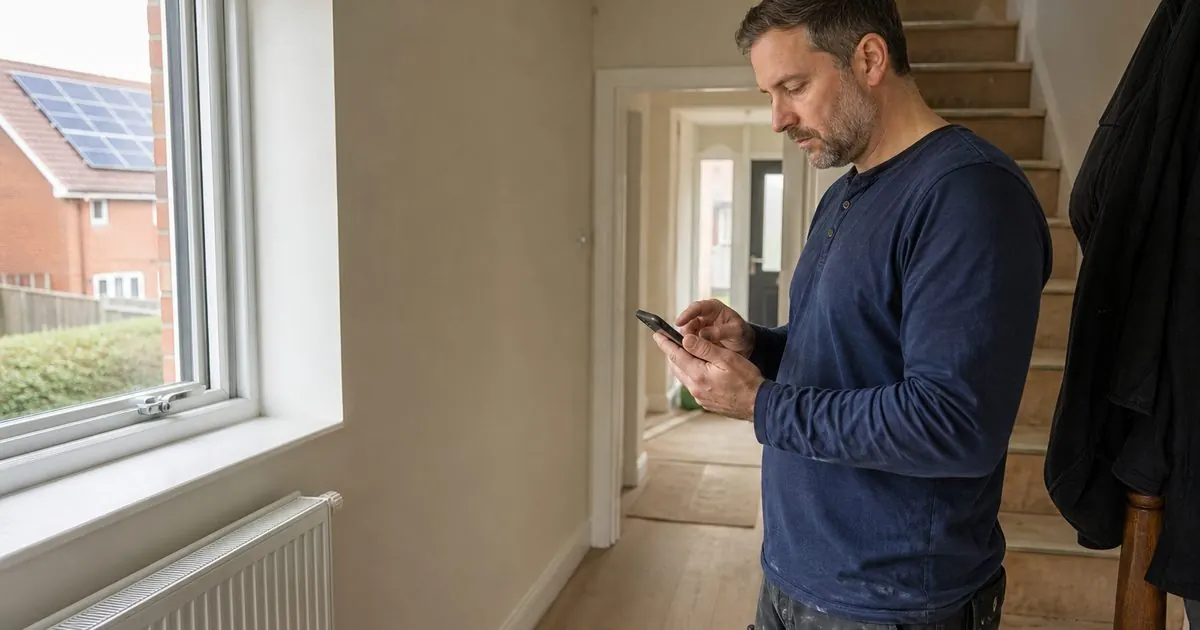
Picture a homeowner whose boiler has just packed up. She is standing in a cold hallway, on her phone, on patchy 4G. She taps your site from Google. A big video starts loading. A cookie banner covers half the screen. A chat widget pops up. The page jumps as the images load and she taps the wrong thing.
She goes back and taps the next firm. You never knew she was there.
That is what a slow mobile site does to a trade business. This guide shows how to check your own site properly, what Google measures, and the usual fixes for installer and trade websites.
Why phone speed matters more for trades
Most people looking for a tradesperson search on their phone, often at the moment they need someone. Google also uses the mobile version of your site for indexing and ranking, so the phone experience is the one that counts.
Speed also affects paid ads. If you are paying for every click from Google or Facebook, a slow landing page wastes a share of that money before the visitor has seen a word.
How to test it properly
Test on a real phone, outside the office
Your office Wi-Fi and a fast laptop hide the problem. Take your own phone, turn Wi-Fi off, and open your site from a Google search. Do it on an older phone too if you can borrow one. Ask yourself:
- How long until I can read the main heading and see the phone number?
- Does anything jump around as it loads?
- When I tap a button, does it respond straight away?
- What covers the screen in the first five seconds?
Run PageSpeed Insights
Google's free PageSpeed Insights tool tests a page and, if your site gets enough traffic, shows data from real Chrome users over the last 28 days. Run it on your homepage, your main service pages and any ad landing pages. Look at the mobile tab first.
Check Search Console
If your site is verified in Google Search Console, the Core Web Vitals report shows which groups of pages pass or fail on mobile, based on real users.
What Google measures: Core Web Vitals in plain English
Google's documentation names three Core Web Vitals and sets thresholds for each:
| Metric | What it means | Good |
|---|---|---|
| Largest Contentful Paint (LCP) | How long until the main content (usually the big image or heading) appears | Within 2.5 seconds |
| Interaction to Next Paint (INP) | How quickly the page responds when you tap something | Under 200 milliseconds |
| Cumulative Layout Shift (CLS) | How much the page jumps around while loading | Below 0.1 |
Google says it highly recommends site owners achieve good Core Web Vitals. Treat them as a minimum standard rather than a ranking trick.
The usual culprits on installer and trade sites
We see the same problems again and again.
1. A huge video or slider at the top
A full-screen drone video or a rotating slider of five large images is often the single biggest cause of slow LCP. On a phone, it delays the thing the visitor actually wants: what you do and how to contact you. Replace it with one compressed image and clear text. Put the video further down, loaded only when someone taps play.
2. Uncompressed photos straight off the camera
Job photos straight from a modern phone are often several megabytes each. A gallery page with thirty of them is painful on 4G. Resize photos to the size they display at and use modern formats such as WebP. Most website platforms can do this automatically if set up correctly.
3. Too many third-party scripts
Chat widgets, review widgets, call tracking, several analytics tools, Facebook and Google tags, heatmaps, cookie banners. Each adds weight and can slow down how quickly taps respond. Audit them. Remove anything nobody looks at, and load the rest after the main content.
4. Heavy page builders and themes
Some drag-and-drop builders and multipurpose themes load a lot of code for features you never use. You may not need to rebuild, but sometimes the cheapest fix is a simpler theme or a lighter landing page template.
5. Fonts and pop-ups that shift the layout
Custom fonts that load late, banners that push content down, and images without set dimensions all cause the page to jump. That is CLS, and it causes mis-taps, which are maddening for a stressed visitor.
6. Cheap or overloaded hosting
If the server takes a long time to respond, nothing else can start. Basic shared hosting is often fine for a small site, but if your site is slow even on a fast connection, the hosting may be the bottleneck. A content delivery network (CDN) and proper caching help a lot.
A fix list in order of impact
- Replace any autoplay hero video or slider with a single compressed image and a clear headline.
- Compress and resize every image on your key pages.
- Remove third-party scripts you do not need, and delay the rest.
- Set image sizes and reserve space for banners to stop layout shift.
- Turn on caching and a CDN.
- Build lightweight, separate landing pages for paid ads, with only what the visitor needs.
Then retest on your phone and in PageSpeed Insights, and keep an eye on the Search Console report as real-user data updates over the following weeks.
Do not lose sight of the point
Speed is not the goal on its own. A fast page with vague copy and no clear phone number will still not get enquiries. Use speed fixes alongside the conversion checks in why trade websites don't convert. And when comparing quotes for a new site, ask how speed will be tested, which we cover in how much a trade website should cost.
Speed is something we look at in every website and landing page conversation, because it affects every pound of ad spend that lands on the page. If you want us to run the test on your site and tell you what is slowing it down, book a video call and we will go through it with you.
Sources
- Google Search Central: Understanding Core Web Vitals and Google search results
- Google Search Central: Mobile-first indexing best practices
- Google PageSpeed Insights
- web.dev (Google): Web Vitals
Questions owners ask
What is a good PageSpeed score for a trade website?
Do not chase the single score. Look at the Core Web Vitals: Google's thresholds for good are a Largest Contentful Paint within 2.5 seconds, Interaction to Next Paint under 200 milliseconds and Cumulative Layout Shift below 0.1. If real-user data for your site passes those on mobile, you are in good shape.
Will a faster website rank higher on Google?
Speed is one part of page experience, which Google says its ranking systems are designed to reward, but relevance and content matter far more. The bigger, more certain gain is in enquiries: visitors who would have left a slow page now stay, read and call.