Most installers have a pile of reviews that say "Great job, would recommend". They are nice to have, but they do almost nothing for your Google ranking, and they tell a nervous homeowner very little.
A review that says "Sam and Josh fitted our new combi boiler in Crewe in a day, explained the controls and left the place spotless" does far more. It tells Google what you do and where. It tells the next customer what to expect. And it gives AI assistants something specific to quote.
This guide covers how to get more reviews, and better ones, without breaking Google's rules or UK law.
Why the content of a review matters
Google's local ranking help page lists the number and quality of reviews as part of prominence, one of its three ranking factors. Detailed reviews also help the other two: relevance (what you do) and, indirectly, which places you are linked with.
There is a bigger reason too. When a homeowner compares the three firms in the map pack, they read reviews. Specific reviews answer their fears: will they turn up, will they make a mess, will the price change, will it work. Generic five-star reviews do not.
Ask everyone, every job
The single biggest driver of review volume is simply asking, every time. Creativ UK, one of our clients, took their Google reviews from 37 to 211, at a 4.7 average, by asking every customer on every job. No tricks, just a process that never skips a customer.
Asking everyone is also what the rules require. Google's prohibited content policy for Maps says businesses must not selectively ask happy customers for positive reviews or discourage negative ones. If you only send the link to customers you think liked you, you are breaking that rule.
When to ask
Timing changes the response rate more than wording does. For most installs:
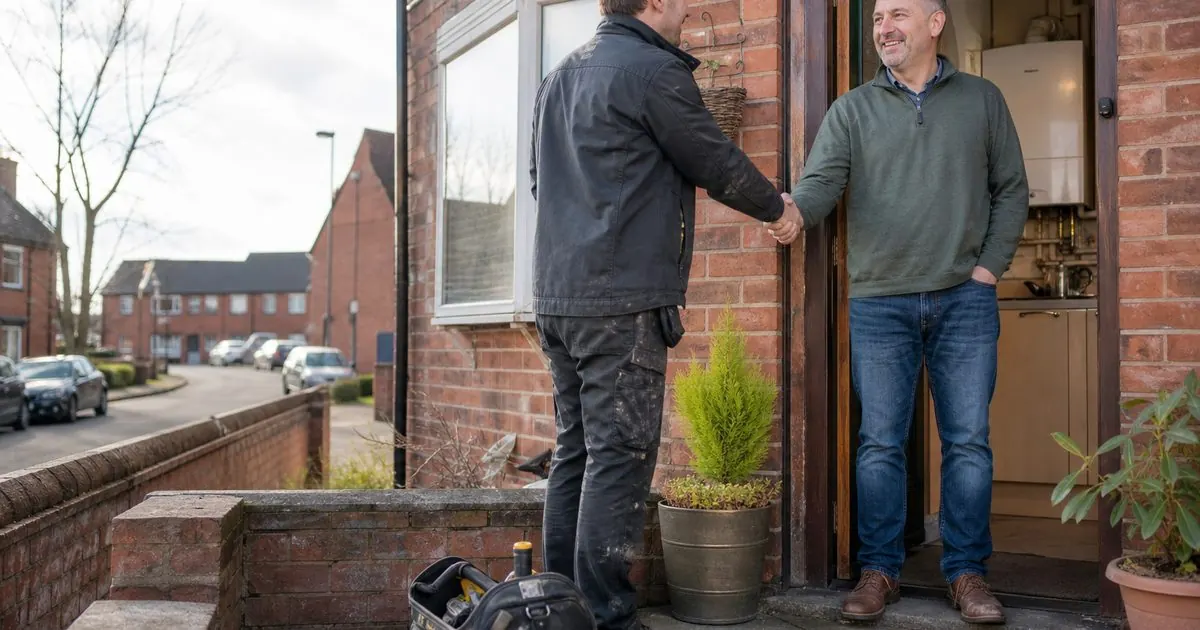
- At handover, in person. The installer says: "We rely on reviews. You'll get a text from us this afternoon with a link. If you could mention what we fitted and where you are, it really helps."
- The same day, by text or WhatsApp. The link arrives while the job is fresh and the customer is pleased with the result.
- One reminder, three to five days later. Polite, short, once.
For work where the benefit takes time to show, such as a heat pump in summer or solar panels in winter, a second touchpoint a few months later is worth it. "How has your first winter with the heat pump been?" gets a different, more detailed kind of review.
What to prompt (without writing it for them)
You must not write the review for the customer or tell them what star rating to give. You can make it easy by suggesting what is useful to mention. A good request message:
Thanks for choosing us for your new battery today. If you have two minutes, a Google review really helps other people in [town] find us. It's most useful if you mention what we fitted, roughly where you are, and anything that stood out about the team. Here's the link: [link]
That nudge alone tends to produce reviews that mention the product, the town and the team, because customers are happy to help once they know what helps.
Google's help pages explain how to create a review link and a QR code from your Business Profile. Use the link in messages and print the QR code on your handover pack and invoice.
Automate it from your CRM
Manual asking breaks down as soon as the team gets busy. The fix is to tie the review request to a job stage in your CRM:
- Job marked "complete" in the CRM.
- Text or WhatsApp sent automatically that afternoon with the review link and the customer's first name.
- One reminder after four days if no review has come in.
- A task created for the office if the customer replies with a problem, so it is dealt with by a person.
In Installer Flow, our CRM, this runs as an automation off the job stage, so nobody has to remember. The same trigger can start your referral and aftercare messages, which we cover in turning past customers into your cheapest leads.
Reply to every review
Google's tips are clear: reply to all reviews, including negative ones, keep it short and personal, use the reviewer's name, and do not use replies to advertise. A good reply to a positive review can add relevance too:
Thanks Sarah, it was a pleasure fitting your heat pump in Sandbach. Glad the house is warmer already.
For a negative review, acknowledge the issue, do not argue in public, and invite them to call. Future customers read how you handle complaints more carefully than the complaint itself.
The rules you must not break
These are not best practice suggestions. They are Google policy and UK law.
- No incentives. Google prohibits offering free or discounted goods or services in exchange for reviews, or for changing or removing a negative review.
- No selective asking. Ask every customer, not just the ones you expect to be happy.
- No fake reviews. Since 6 April 2025, the Digital Markets, Competition and Consumers Act 2024 bans fake reviews and concealed incentivised reviews. The CMA can fine businesses up to 10% of global turnover. That includes reviews written by staff, family or anyone paid to post.
- Do not mark up your own reviews for stars. Google's review snippet rules say that if a business controls the reviews about itself, its pages are not eligible for star ratings in search results. Showing reviews on your site is fine, but do not expect stars in Google from them.
Other review sites
Google matters most for local search, but buyers also check Trustpilot, Checkatrade and Which? Trusted Traders depending on the trade. Pick one secondary platform that matters in your sector and send a smaller share of customers there. Do not split every customer across five sites. You will end up with a thin presence everywhere.
What good looks like after six months
- A review request sent after every completed job, automatically.
- Reviews arriving every week, not in bursts.
- Most new reviews naming the product, the town or the team.
- Every review replied to within a couple of days.
- Your strongest reviews quoted on your website, your town pages (see how) and in your ads.
If you want the review flow set up inside your CRM so it runs without anyone thinking about it, that is part of our AI follow-up and automation work. Book a video call and we will show you how it works for a business like yours.
Sources
- Google Business Profile Help: Tips to get more reviews
- Google Maps User Contributed Content Policy: Prohibited and restricted content
- Google Business Profile Help: Tips to improve your local ranking on Google
- Google Search Central: Review snippet structured data
- GOV.UK: CMA fake reviews guidance (CMA208)
Questions owners ask
Can I offer a discount or prize draw for leaving a review?
No. Google's rules prohibit offering discounts, free goods or services in exchange for reviews, and UK law bans concealed incentivised reviews. A prize draw only for reviewers counts as an incentive. Ask every customer, make it easy, and leave it there.
Can I only ask the customers I know are happy?
Google's content policy prohibits selectively asking for positive reviews, and the CMA's fake reviews guidance covers misleading review practices too. Ask every customer as a standard step. If something went wrong, fix it, and the customer may well mention that you put it right.