Bathrooms, kitchens and conservatory roofs share one marketing problem. The finished result is the whole sale, and a few phone photos taken at handover make even beautiful work look ordinary. A bathroom photographed from the doorway looks like every other bathroom. A kitchen shot under the evening lights looks yellow. A converted conservatory just looks like a room.
What sells these jobs is seeing the finish up close, the change from before, and a real customer explaining what difference it made. Video does that better than anything else. This guide gives you shot lists for each trade, the questions to ask on camera, and where to use what you film. (For filming testimonials more generally, see customer testimonial videos that sell.)
Plan a content day for every good finished job
Don't film as an afterthought on fitting day. Pick your best jobs, ask the customer at the order stage if you can come back once it's finished, and book a time a week or two after handover. By then the customer has lived with the room and can talk about it properly.
Every content day should produce:
- Before footage (shot at survey, from the same angles you will use later).
- A 15 to 30 second reveal for ads and Reels.
- A 1 to 2 minute walkthrough for your website and quote follow-up.
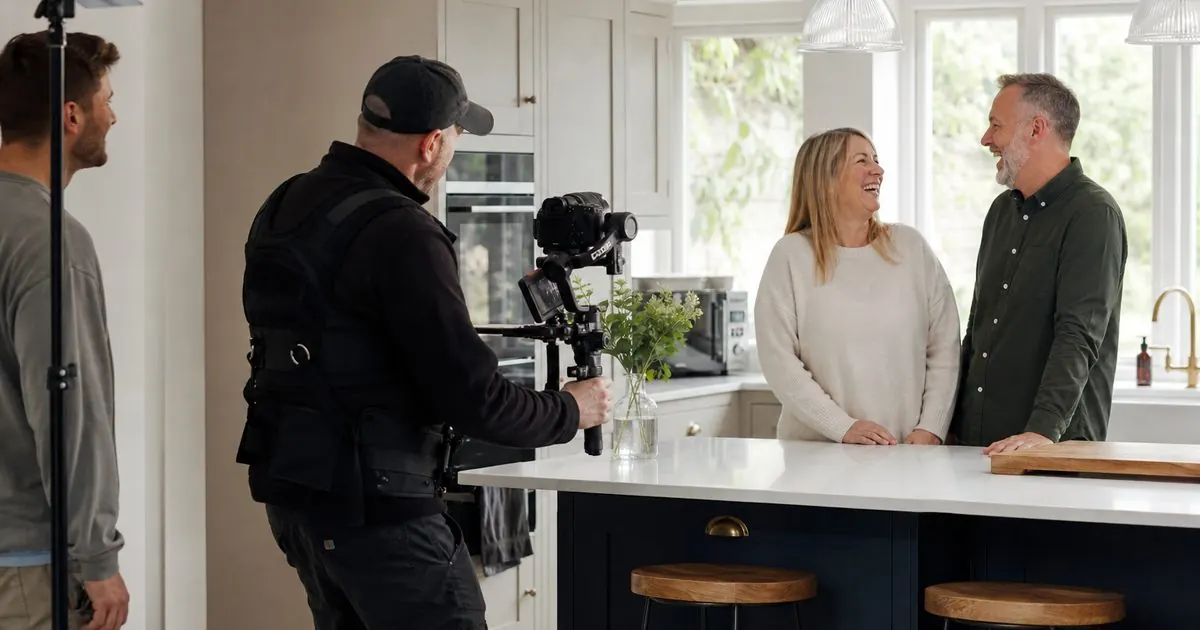
- A customer interview, cut into short answers.
- Stills pulled from the footage or shot alongside it, for your website, Google Business Profile and printed brochures.
Bathrooms: show the finish up close
Bathroom buyers judge you on detail. They have seen a thousand pictures of nice bathrooms. What they can't see in a photo is the quality of your tiling, so show it.
Shot list:
- The same doorway angle as the before shot, for a clean before and after.
- Slow close-ups along tile lines, mitred corners and the shower niche.
- The shower running, with the light catching the water.
- Drawers and cupboards opening, showing storage.
- Underfloor heating or a heated towel rail (a hand on it says "warm" without words).
- Lighting changes: daylight, then the evening lights coming on.
- For accessible bathrooms, the level threshold and the seat folding down, shown as design features, not medical ones.
Kitchens: show the room in use
Kitchen buyers are buying a way of living, not a set of cabinets. A static shot of an empty kitchen looks like a showroom display. Show it being used.
Shot list:
- A slow walkthrough from the doorway, the way a visitor would see it.
- Soft-close drawers, pull-out larders, corner solutions and bins.
- Worktop details: the join, the edge, the sink cut-out.
- The family using it: making a coffee, kids at the island, someone cooking.
- The designer's drawing or 3D render, then the finished room from the same angle. This shows buyers that what they are shown at design stage is what they get.
- The before: the old kitchen, or the extension shell before the kitchen went in.
Conservatory roofs: show the change in comfort
Conservatory roof replacements are the hardest to show in a photo, because the outside looks like "a roof" and the inside looks like "a room". The value is that the room is now used all year. Your video needs to show that change.
Shot list:
- Before: the room as it was, often full of boxes, drying washing or unused furniture, with the old roof visible.
- Outside, the roof going on: a timelapse is ideal.
- After: the same room furnished and lived in.
- The owner in the room in the season they used to avoid it: in a jumper with a cup of tea in January, or reading in July.
- Light quality: plastered ceiling, spotlights, roof lights or glazed panels if fitted.
Be careful with claims. Rather than putting temperature figures on screen, let the customer say in their own words how the room feels now.
Questions to ask on camera
Ask open questions and let the customer talk. Short, honest answers beat a script. These work across all three trades:
- What was the room like before, and what made you decide to do something about it?
- What were you worried about before you started?
- How did you find the process, from design to the last day?
- What do you notice most now it's done?
- What would you say to someone thinking about doing the same?
Question 2 is the most useful one for ads, because the worry they had is the worry your next buyer has. Hearing it answered by a real person removes it.
Where to use what you film
| Clip | Where it goes |
|---|---|
| 15 to 30 second reveal | Facebook and Instagram ads, Reels, TikTok |
| Walkthrough | Website project page, landing pages, YouTube |
| Customer answers | Ads, landing pages, quote follow-up messages |
| Stills | Website, Google Business Profile, brochures, quotes |
| Before and after pair | Ads, social posts, showroom screens |
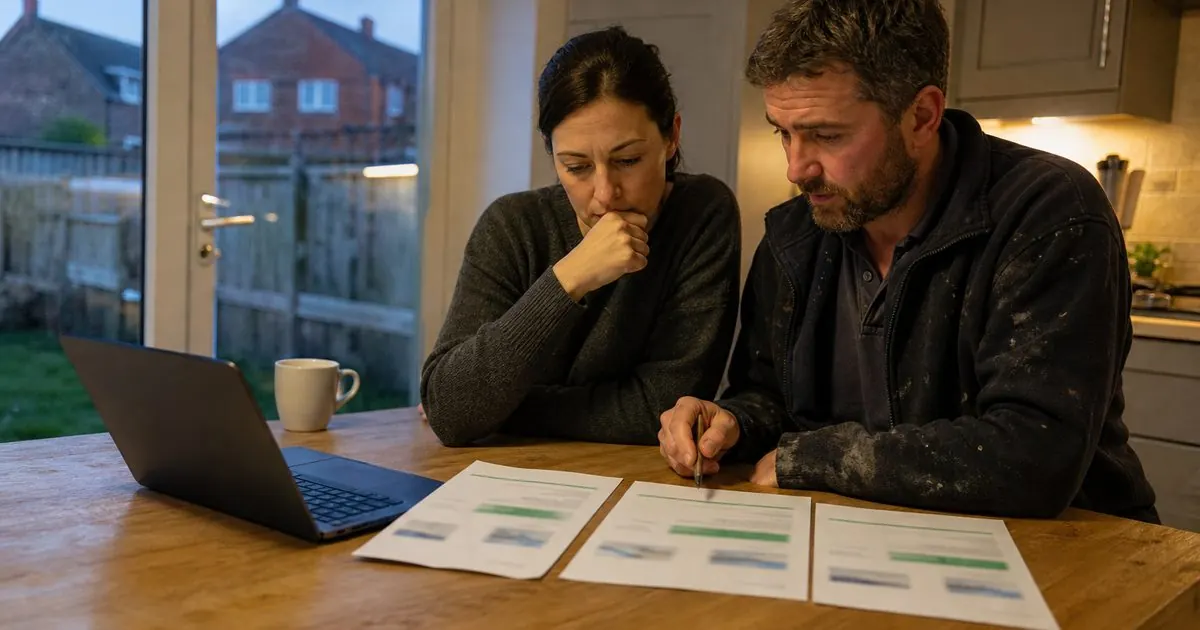
Quote follow-up is the most overlooked use. Sending a buyer a walkthrough of a similar finished job, with the customer talking, is far more persuasive than another "just checking in" message. The tactic is covered in more depth in video with every quote.
Permissions and privacy
- Get written consent from the customer, saying where the footage will be used.
- Don't show house numbers, number plates, street signs or anything that identifies the address.
- Let the customer see the final cut before it goes live.
- Keep a log of which footage you have permission to use, and for how long.
Make it routine, not a one-off
The firms that get the most from video don't do one big shoot a year. They build it into their process: footage at survey, a content day for the best jobs, and a steady flow of new clips into ads every few weeks. Fresh, real footage stops your ads going stale and gives your sales team something new to send.
How we help
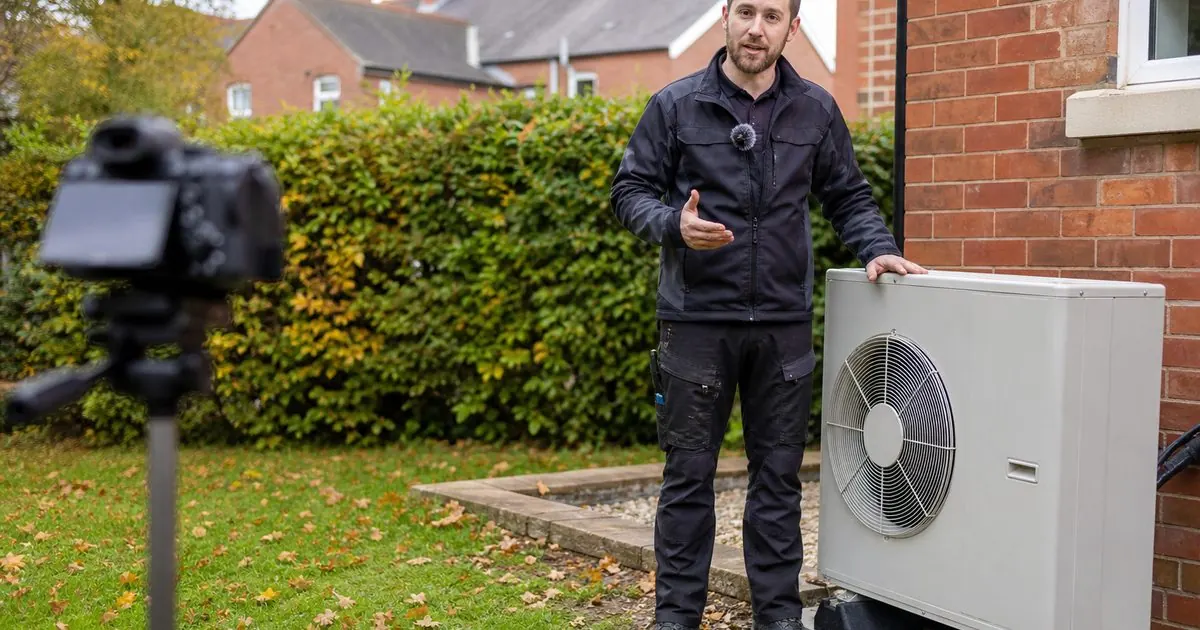
Video is the first part of the system we build. We come to you and film, with a full shoot day on site once a quarter built into the package, and turn the footage into ads, landing pages and follow-up content. Somebody from your business needs to be on camera, but it doesn't have to be the owner. See our videography service, or how it fits bathrooms, kitchens and conservatory roofs.
If your finished rooms deserve better than phone snaps, book a video call and we'll talk about what a shoot day could produce for you.
Questions owners ask
Can I film a finished room on my phone?
Yes, for social posts and quick updates, if you shoot in good daylight, hold the phone steady, clean the room first and keep the camera moving slowly. For ads and your website, a proper shoot with stabilised footage, good sound for the customer interview and planned shots is worth it, because those clips work for months.
How do I get customers to agree to be filmed?
Ask early, at the order stage, not at handover. Explain where the video will be used, that you will not show their address, and that they can see it before it goes live. Get written consent. Most people who are happy with the work are glad to show it off when asked kindly.