Here is the problem in one sentence: when you run a lead ad, Meta only knows that someone filled in a form. It has no idea whether you booked a survey, sent a quote or fitted a system. So it does exactly what you asked. It finds more people who fill in forms.
Some are buyers. Plenty are not. The fix is to tell Meta what happened next. Meta's tool for this is the Conversions API for CRM, paired with the Conversion leads performance goal. This guide explains how it works for an installer or home improvement firm, what Meta requires, and the mistakes that stop it working.
How it works, in plain English
- Someone submits your instant form. Meta gives that lead a unique Lead ID (a 15 to 17 digit number).
- The lead lands in your CRM with that ID attached.
- As the lead moves through your pipeline (contacted, survey booked, quote sent, sold), your CRM sends each change back to Meta with the same Lead ID.
- Meta learns which kinds of people reach the stage you care about.
- You switch the ad set's performance goal to Conversion leads, and Meta starts bidding for people likely to reach that stage, not just likely to submit.
The point is changing who Meta shows your ads to, not prettier reports.
What Meta asks for
Meta's developer documentation sets out the requirements. As of November 2026:
- Instant forms only. The Conversion leads goal currently works only with Facebook and Instagram lead ads (instant forms).
- At least 200 leads a month going into the integration.
- A conversion rate of 1% to 40% for the stage you choose to optimise for.
- The chosen stage must happen within 28 days of the lead being generated.
- Upload at least once a day. Real-time is better.
- Store the Meta Lead ID in your CRM. If you don't have it, Meta will try to match on phone, email or click ID, but the Lead ID is the clean route.
After set-up, Meta says data verification takes about one to two days and its model then trains on your funnel over roughly two to four weeks. You can run Conversion leads campaigns during that time, but expect the full effect only once training finishes.
Design your stages before you touch the integration
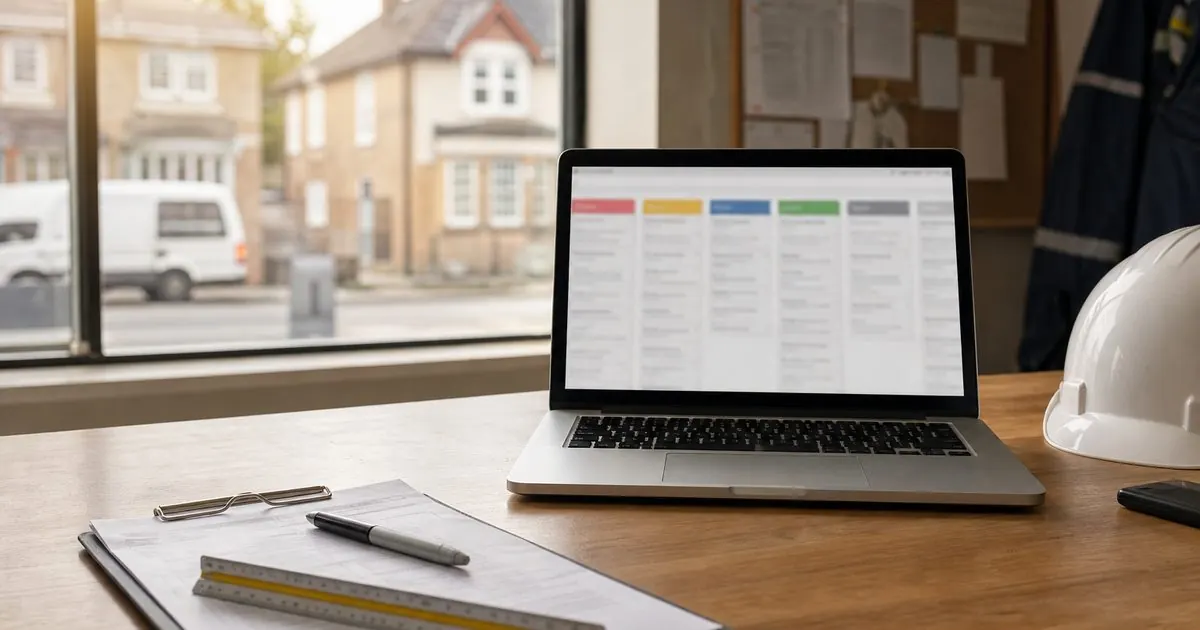
This is where most installers go wrong. The integration is only as good as the pipeline stages behind it. If your team doesn't update the CRM, Meta learns nothing.
A sensible pipeline for a solar, heat pump or home improvement firm:
| Stage | What it means | Send to Meta? |
|---|---|---|
| New lead | Form submitted | Yes (the raw lead) |
| Contacted | You spoke to them | Yes |
| Disqualified | Renter, out of area, fake | Yes, as its own stage |
| Survey booked | Appointment in the diary | Yes, usually the one to optimise |
| Survey done | Surveyor attended | Yes |
| Quote sent | Price issued | Yes |
| Sold | Deposit or signed contract | Yes |
Send every stage you can, not just the final one. Meta's guidance is to send several stages so it can see the whole funnel.
Which stage to optimise for
Run the numbers against Meta's rules:
- Sold is what you really want, but for many installers the sale lands more than 28 days after the lead (finance checks, surveys, thinking time), and only a small share of leads ever reach it. Check your own numbers: it often fails one test or both.
- Survey booked tends to sit in the sweet spot. It usually happens within days of the lead, and for most firms the share of leads that book sits comfortably inside the 1% to 40% range. Check yours from the last three months. It is also a genuine commitment from the homeowner.
- Contacted is easier to hit, but it only fixes the "doesn't answer the phone" problem, not the "wasn't serious" one.
Start with survey booked. Revisit it once you have a few months of data.
Setting it up, step by step
- Connect your instant forms to your CRM so leads arrive in real time with the Lead ID. Many CRMs have a native Meta connection. Others use a tool such as Zapier or a direct integration.
- Create or choose a Meta pixel (dataset) for CRM events in Events Manager.
- Connect the CRM to the Conversions API. Meta lists three routes: a partner integration (often under a day), a developer build (weeks), or specific CRM apps.
- Map your pipeline stages to the events you send, in Events Manager.
- Check the data arrives. Look for errors, missing Lead IDs and stages that never fire.
- Let it build history. Keep running your normal lead campaigns while Meta trains.
- Create a new ad set with the Conversion leads goal and the stage you chose. Leave your existing ad set running alongside it, then compare cost per booked survey after a few weeks.
What about leads from your own landing page?
The Conversion leads goal is instant form only, but you are not stuck. For website leads:
- Run the Meta pixel and the standard Conversions API together, with a shared event ID so Meta can remove duplicates.
- Send hashed contact details (email, phone) with the lead event, so later events can be matched.
- When a survey is booked in your CRM, send it to Meta as a separate event (a custom or standard event such as Schedule) with the same hashed details.
- Then optimise website campaigns towards that later event once it fires often enough.
If you are deciding between the two formats, our piece on lead forms vs landing pages covers the trade-offs.
The mistakes we see most
- Nobody updates the CRM. If surveyors book appointments in a paper diary or on WhatsApp, the stage never changes and Meta never hears about it. Fix the process first.
- Only sending "Sold". Too slow and too rare to learn from.
- Disqualified leads left as "New". Sending a disqualified stage tells Meta what to avoid. Junk leads that stay "New" look identical to good ones. See fake and junk Facebook leads.
- Switching goals too early. Give Meta the training time it asks for before judging.
- Changing everything at once. You won't know what worked.
A note on privacy
You are sending customer data to Meta, so your privacy notice must say so, and your instant form must link to it. Data sent through the Conversions API is hashed, but you still need a lawful basis under UK GDPR. If in doubt, check the ICO's guidance and take advice.
Where this fits
This is one part of a bigger question: which of your marketing actually turns into money? We cover the concept in tracking every lead to a sale. The same idea works on Google, where you import booked surveys and sales back into Google Ads; see offline conversion tracking for Google Ads.
When we build a client's system, the CRM stages and the dashboards on cost per lead and cost per sale come before any clever campaign settings, because the settings are only as good as the data behind them. If you would like us to check whether your account is ready for this, book a video call with Tom and we will look at your Facebook and Instagram ads and CRM together.
Sources
- Meta for Developers: Conversions API for CRM integration
- Meta Business Help Centre: About lead ads with instant forms
- ICO: UK GDPR guidance and resources
Questions owners ask
How many leads do I need for Meta's Conversion leads goal?
Meta's developer guidance for the CRM integration asks for at least 200 leads a month, with the stage you optimise for converting at between 1% and 40% of leads and happening within 28 days of the lead. Smaller accounts can still send the data to build history before switching the goal.
Does the Conversions API for CRM work with landing page leads?
The Conversion leads performance goal currently works only with instant form lead ads. For leads from your own landing page you can still send later events, such as a booked survey, through the standard Conversions API using hashed contact details, and optimise website campaigns towards that event.
Which stage should an installer optimise for?
Usually the booked survey or appointment. A sale often happens more than 28 days after the lead and at a low rate, which makes it a weak signal. A booked survey happens quickly, often enough to learn from, and is far closer to a sale than a form fill.