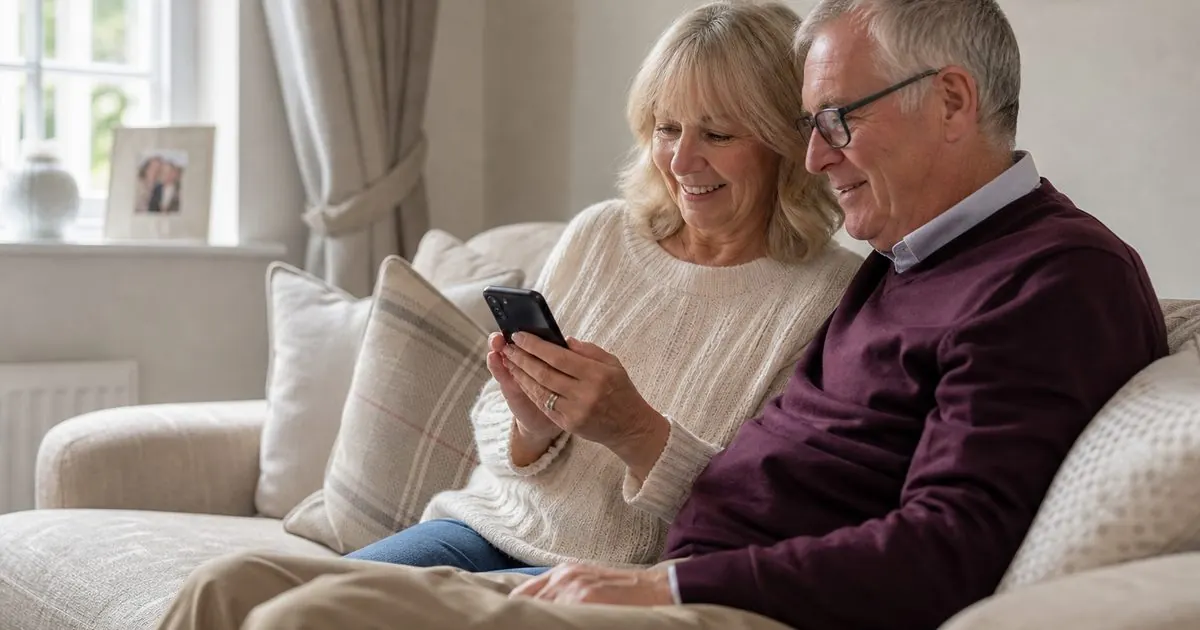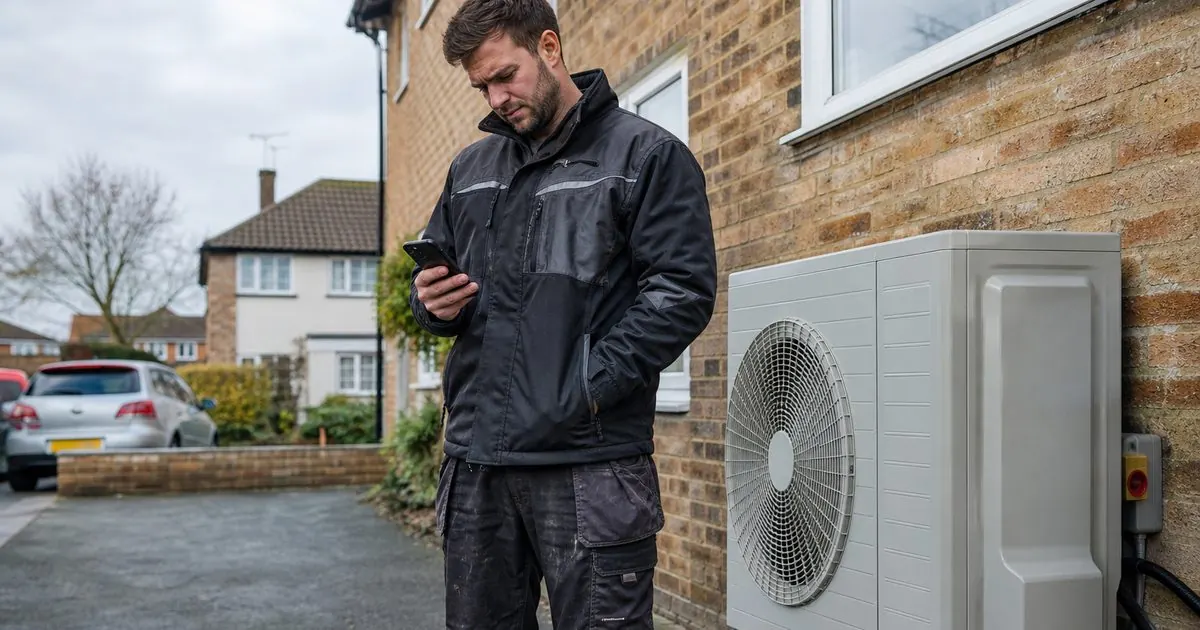
Ring a homeowner from a mobile number they do not know and there is a fair chance they let it go to voicemail. Send them a WhatsApp from a business with a name and logo, and they often reply within minutes, sometimes with a photo of exactly what you needed to see. For a lot of installers, WhatsApp has quietly become the place where enquiries turn into booked visits.
This piece covers why that works, which version of WhatsApp to use, the rules Meta sets, and how to use it without annoying anyone.
Why homeowners reply on WhatsApp
- They can reply when it suits them. A call demands attention now. A message can be answered on the sofa, on a break or on the bus.
- They can see who you are. A business profile with your name, logo and website looks very different from an unknown number.
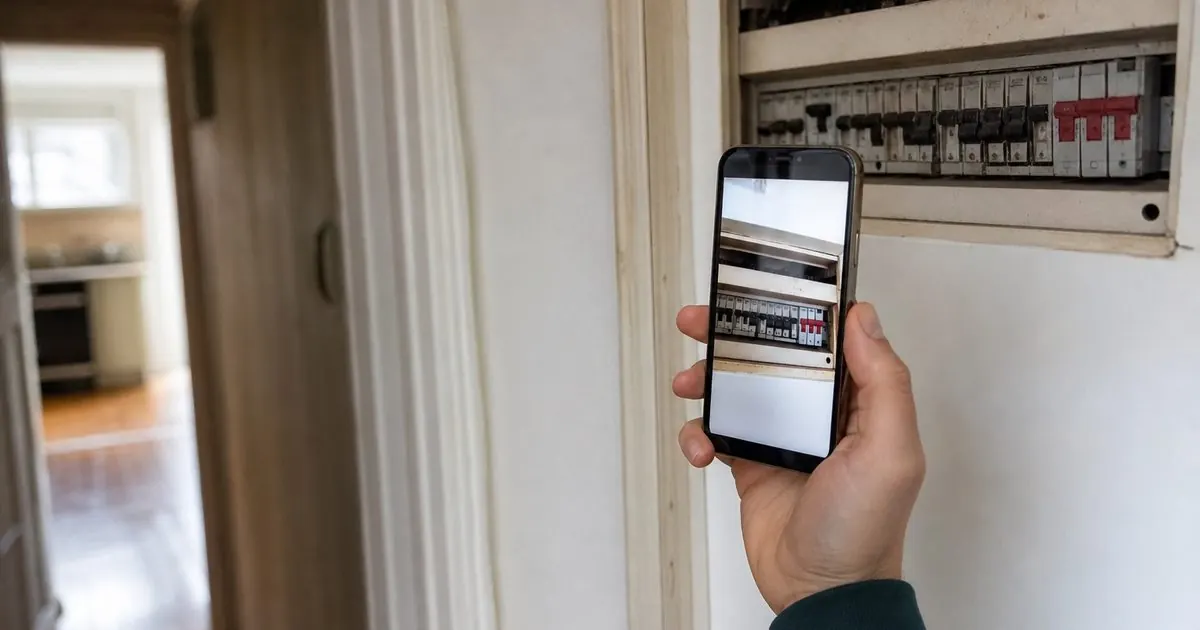
- They can show you the problem. A photo of the boiler, the fuse box, the roof or the loft tells your surveyor more than ten minutes on the phone.
- The history stays in one place. Dates, quotes and messages are easy to scroll back to, for them and for you.
- They can loop in their partner. Forwarding a message or a video is easy, and big home purchases are rarely one person's decision.
The app or the platform?
There are two business versions of WhatsApp, and the choice matters once you have more than a handful of enquiries a week.
| WhatsApp Business app | WhatsApp Business Platform | |
|---|---|---|
| Who it suits | Sole traders and small teams | Firms with a team, a CRM and ad-driven leads |
| Cost | Free app | Charged per message by Meta, plus your provider |
| Team access | One phone plus a few linked devices | Many team members through your CRM or inbox |
| Automation | Greeting, away message, quick replies | Full automation, AI assistants, templates |
| CRM | Manual | Conversations saved against the lead |
If you are sending more than a few dozen messages a week, or more than one person needs to see conversations, the Platform is usually the right home, connected to your CRM.
The rules you need to know
These are Meta's rules as of November 2026. They change, so check the official pages listed under Sources.
Opt-in comes first. WhatsApp's Business Messaging Policy says you may only contact people who have given you their number and have opted in to hear from you. Meta's opt-in guidance says you must state your business name and make it clear the person is agreeing to receive messages. The opt-in can be general rather than WhatsApp-specific, so a line on your form covering phone, text, WhatsApp and email is fine.
The 24-hour window. When a customer messages you, a 24-hour customer service window opens, and it resets each time they message again. Inside it you can send normal messages. Outside it you can only send approved template messages.
Templates have categories. Templates are pre-approved messages in three categories: marketing (promotional), utility (transactional, such as appointment confirmations) and authentication (codes). Meta has charged per message, by category and country, since July 2025, so check the current rates before you plan a big send. Blasting your whole list is not free.
Automation needs an exit. The policy allows automated replies, but you must offer a prompt, clear route to a person, such as in-chat transfer to an agent or a phone number.
Honour opt-outs. If someone asks you to stop, on WhatsApp or anywhere else, you must stop.
AI on WhatsApp. Meta's platform terms now stop AI providers using WhatsApp to offer general-purpose AI assistants where the AI is the main product. An assistant that answers your own customers about your own services is a different case, but keep it on topic: your products, your areas, your diary.
What WhatsApp is good for in an installer business
- The first reply to a new enquiry. A short, friendly message with one question, sent in seconds. See our piece on speed to lead for why timing matters so much.
- Photos before the survey. Ask for the meter, the consumer unit, the boiler, the roof or the room. Your surveyor arrives prepared, and you spot unsuitable jobs before you drive out.
- Booking and confirming visits. Offer slots, confirm the booking and send reminders with the rep's name and photo.
- "On my way" messages. A message when the surveyor sets off cuts the number of empty houses.
- Quote explainer videos. A two-minute video walking through the quote is easier to share with a partner than a PDF.
- Aftercare and reviews. A check-in after the install and a review request when the job is signed off.
What not to do
- Do not run the business from personal phones. When a rep leaves, their conversations leave too.
- Do not message bought lists or old contacts without opt-in. It breaks the policy, and blocks and reports damage your number's quality rating.
- Do not send essays. Short messages with one question each get answered. Walls of text get ignored.
- Do not send sensitive documents by default. Think before sending bank details, ID or finance paperwork through any chat.
- Do not leave chats unanswered. A homeowner who replies and hears nothing for a day is worse off than one you never messaged.
Using an AI assistant on WhatsApp
An AI assistant on WhatsApp can do the first part of the job any time of day: reply in seconds, ask your qualifying questions, answer common questions with the answers you have approved, ask for photos and offer survey slots from the right rep's diary. A typical flow for a heat pump enquiry might run:
- Greeting, using their name and the product they asked about.
- One easy question: what heats the house now?
- A few more: property type, ownership, rough timescale.
- A request for a photo of the current boiler and a radiator.
- Survey slots offered for the rep who covers their postcode.
- Booking confirmed, with a reminder set for the day before.
Anything unusual goes to a person: complaints, technical questions it cannot answer, or anyone who asks for a human. If you are worried customers will not like talking to an assistant, we cover that honestly here.
Where we fit
Our WhatsApp AI is the same assistant as our AI chatbot, working in the app many homeowners prefer. It is written with you from your own process, approved by you before it goes live, and every conversation, photo and booking is saved in Installer Flow, our own CRM. It is a newer part of what we offer, so we are not quoting results for it yet.
If your team already lives on WhatsApp and you want it joined up with your leads and diary, book a video call and we will talk it through.
Sources
- WhatsApp Business Messaging Policy (Meta)
- Meta for Developers: getting opt-in for WhatsApp
- Meta for Developers: WhatsApp Business Platform pricing, customer service window and template categories
- Meta Terms for WhatsApp Business Platform
Questions owners ask
Can I message a lead on WhatsApp if they only filled in a form?
Yes, if the form made it clear they were agreeing to hear from your business. Meta's opt-in guidance says you must state the business name and that the person is opting in to messages. A short line under the submit button covering phone, text, WhatsApp and email does the job, alongside your privacy notice.
Should my team use their personal WhatsApp for customers?
It is better not to. Conversations on personal phones leave when the person leaves, nobody else can see them, and they never reach your CRM. A business number on the WhatsApp Business app or Platform keeps the history with the company and lets someone else pick up the conversation.
Is an AI assistant allowed on WhatsApp?
As of November 2026, Meta's platform terms stop AI providers using WhatsApp to offer general-purpose AI assistants as their main product. A business using an assistant to answer its own customers about its own services is a different case. Keep it focused on your business, and give people a clear route to a person.